page down
US /peɪʤ daʊn/
・UK /peɪʤ daun/
A2
phr.v.Scroll down a screen or document.
Press the page down key to see more text below.
Video subtitles
Beginner Blender 4.0 Tutorial - Part 2: Basic Modelling
- If you are on, uh, yeah, if you don't have a mouse with a scroll wheel, you can also change the influence by using Page Up and Page Down.
If you are on, uh, yeah, if you don't have a mouse with a scroll wheel, you can also change the influence by using Page Up and Page Down.
- And if you don't have Page Up or Page Down because you're on a Mac keyboard, then what you would have to do is go to Keymap and then change your Page Up and Page Down to something else just so that you could get around that.
And if you don't have Page Up or Page Down because you're on a Mac keyboard, then what you would have to do is go to Keymap and then change your Page Up and Page Down to something else just so that you could get around that.
Introduction to the Shell and Command-line Syntax
- You can page down by hitting the f key.
You can page down by hitting the f key.
- You can page down by hitting the F key, and
You can page down by hitting the F key, and
Laptop Hardware - CompTIA A+ 220-1101 - 1.1

- For example, this laptop does have a numeric keypad, but you'll notice a lot of the function keys for Home, End, Page Up, and Page Down have been moved just above the numeric keypad.
For example, this laptop does have a numeric keypad, but you'll notice a lot of the function keys for Home, End, Page Up, and Page Down have been moved just above the numeric keypad.
- page down have been moved just above the numeric keypad.
page down have been moved just above the numeric keypad.
English Vocabulary Builder: Using the Computer & Internet
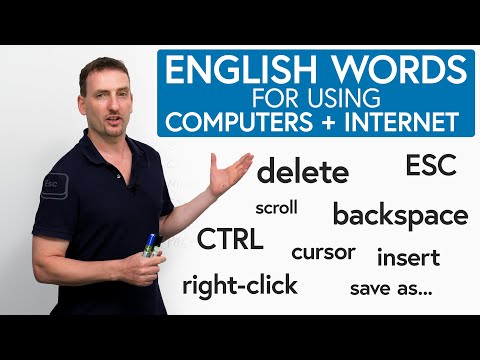
- But some people prefer to use this, and you can use page up or page down with the function button and the arrows to move whole pages, especially if you're in, like, a Word document, like a typing document, and you want to go page by page, instead of scrolling up and down very slowly, you can use function and the arrow keys.
But some people prefer to use this, and you can use page up or page down with the function button and the arrows to move whole pages, especially if you're in, like, a Word document, like a typing document, and you want to go page by page, instead of scrolling up and down very slowly, you can use function and the arrow keys.
- and you can use Page Up or Page Down with the Function button and the arrows to move whole pages.
and you can use Page Up or Page Down with the Function button and the arrows to move whole pages.
It Took 2 Years, But They Nailed It. (Nuphy Air 75v3)
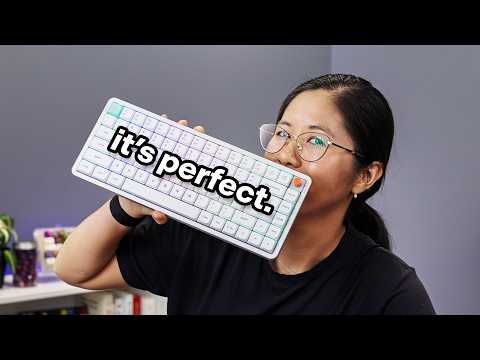
- What if you want to delete and insert instead of page up and page down?
What if you want to delete and insert instead of page up and page down?
- What if you wanted delete and insert instead of page up and page down?
What if you wanted delete and insert instead of page up and page down?
InDesign Tutorial - Automatic bullets and numbering
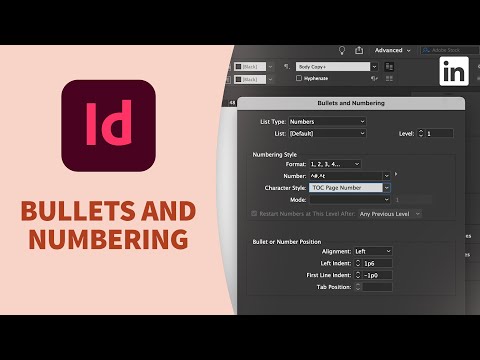
- let's press Option or Alt page down to jump to the next spread.
let's press Option or Alt page down to jump to the next spread.
- and let's press Option or Alt page down to jump to the next spread.
and let's press Option or Alt page down to jump to the next spread.
Mind Maps - How to learn vocabulary quickly, easily, and permanently

- and just go down the page, down the page, after a while, I forget what I'm doing. It's
and just go down the page, down the page, after a while, I forget what I'm doing. It's
- but when I make a list of information and just go down the page, down the page, after a while I forget what I'm doing.
but when I make a list of information and just go down the page, down the page, after a while I forget what I'm doing.
5 Things Your Resume Must Have To Get More Job Interviews

- Within six seconds they go left to right across the top of the page down across it and back over.
Within six seconds they go left to right across the top of the page down across it and back over.